One Finger
games that run in the browser with no account and no install.
55 games Bamboo Panda30s
 My Army Base90s
 Magical Cat Castle40s
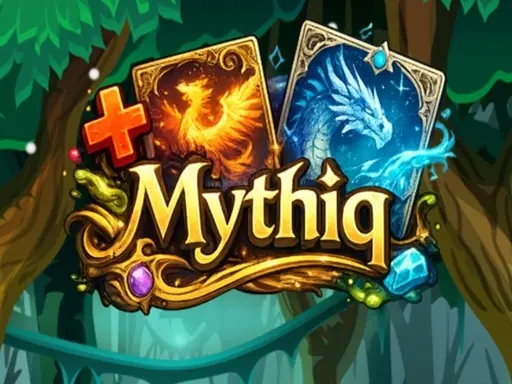 Mythiq75s
 One Line Drawling90s
 Sort New Year!100s
 Times Got Color45s
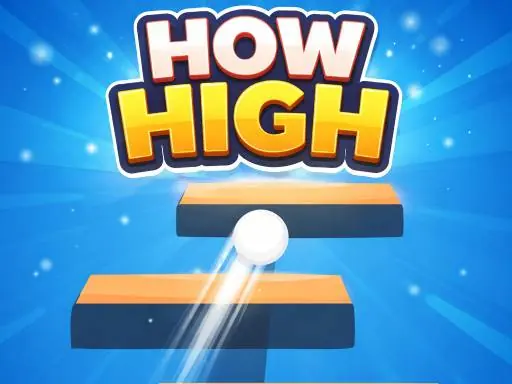 How High90s
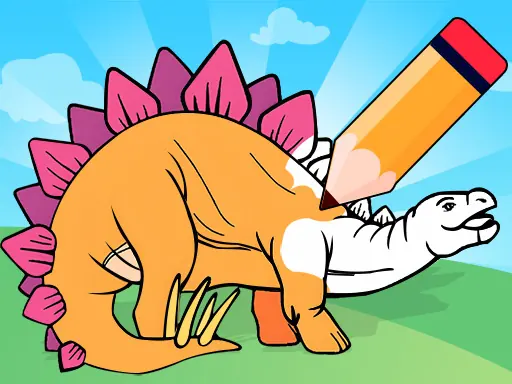 Dinosaur Games For Toddlers30s
 Weird Toilet Flush!45s
 Snake to Eat30s
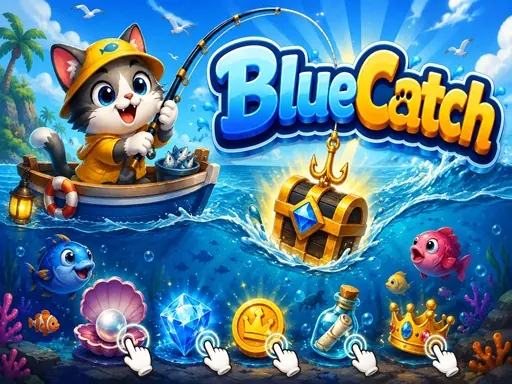 BlueCatch60s
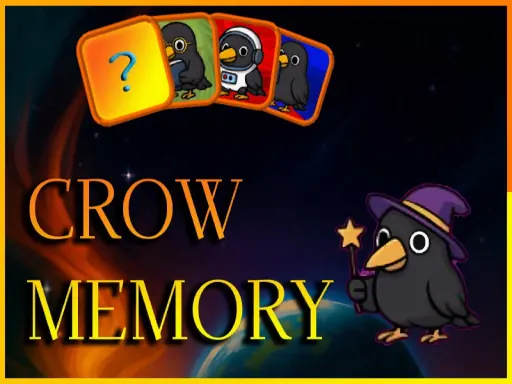 Crow Memory50s
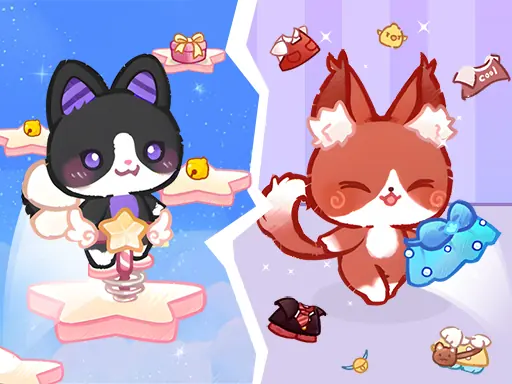 Lovely Cat Pet Life60s
 Money Run Fest120s
 Muscle Rush 3D50s
 Tidy Up the Dollhouse60s
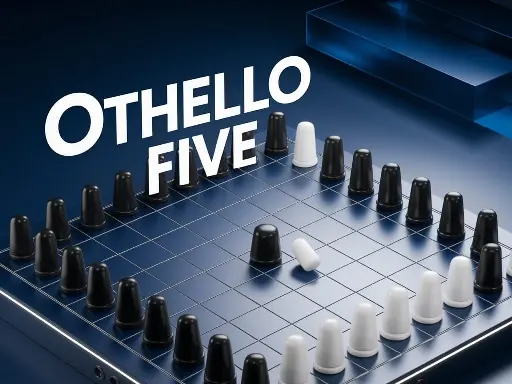 Othello Five50s
 Noob Click: The Rise of Noob50s
 Get On Board75s
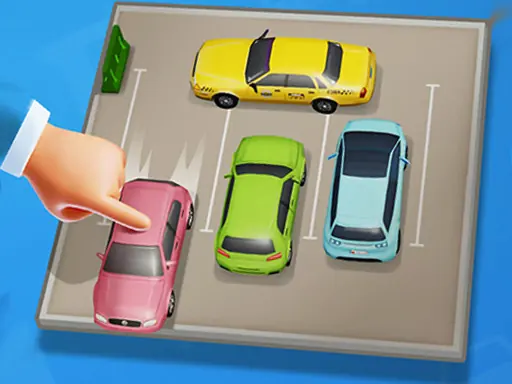 Parking Jam Space50s
 Bounce Blast60s
 Tile Hill Descent50s
 Trio Twist Puzzle75s
 Stick Roll Arena100s
 Merge Fellas Italian Brainrot75s
 Fruit Clash90s
 GasSpark90s
 GraveSky100s
 Money Stack Runner Game100s
One Finger
Not every running game requires a runner. This section gathers games that move on a single tap: a character jumps when you tap, swings when you hold, and spins when you release. They share one property, which is a single control that never changes position, so your thumb can learn it within a few attempts. We accept games that respond instantly to every tap and that never punish a slightly late tap in a way you cannot explain. Games needing two-finger swipes, or placing a second button in a screen corner, do not fit the purpose of this section. One one-finger session usually runs three to five minutes, and it can be played standing in a queue without hunting for a seat.
How One Finger plays in the browser
They share one property, which is a single control that never changes position, so your thumb can learn it within a few attempts. We accept games that respond instantly to every tap and that never punish a slightly late tap in a way you cannot explain. Games needing two-finger swipes, or placing a second button in a screen corner, do not fit the purpose of this section. One one-finger session usually runs three to five minutes, and it can be played standing in a queue without hunting for a seat.
All 55 games in this section run inside the tab: no install, no account, no download. Tap a title and the game opens on this same page.
- One tab, one game. Close the tab and the session is over.
- Finger controls or keyboard, depending on the title.
- Scores stay in this browser, so there is no account to maintain.
Three titles to open first
Picked from the 55 titles in this section.
- Bamboo PandaBamboo Panda is a browser One Finger game you can start in one…
- My Army BaseOpen My Army Base and you are already playing — no login wall, no…
- Magical Cat CastleMagical Cat Castle is one of the easier One Finger games to get…
An older phone is enough
If the screen feels cramped, rotate to landscape or hit the fullscreen button inside the game. Most titles rearrange their controls to the screen size.
Four steps for one-finger control
One finger forces a choice between jumping and stopping, and the choice depends on speed.
- Short press at low speedA long press at low speed sends you too far.
- Long press at high speedAt high speed a short press is not enough to clear.
- Lift the finger fullyA resting finger often presses by accident.
- Keep the finger low centreThis position leaves equal distance to both sides.
- Use one finger onlyTwo fingers cause accidental double presses.
- Lay the phone flatA tilted phone changes press angle.
- Use one finger onlyTwo fingers cause accidental double presses.
- Lay the phone flatA tilted phone changes press angle.
In One Finger, lifting the finger fully cuts accidental jumps by more than half.
Questions players actually ask
Why does a swipe sometimes not register as a jump?
Because the game distinguishes a swipe from a tap by distance and duration, and a short, slow swipe falls into neither category. Swipe fast and long, or tap cleanly. Half-gestures are what the input system cannot classify.
Is one-finger play actually easier than two?
Easier to learn and harder to master. One finger forces you to commit to a single input at a time, which removes the accidental double-input that two fingers create. The ceiling is lower but the floor is much higher.
Why does my character flip instead of jumping?
Because the flip and the jump share the same gesture in many titles here, and the difference is where you start the swipe. Start low and swipe up to jump; start high and swipe down to flip. Position of the start point is the whole control scheme.
Should I hold the screen or tap it?
Tap for short hops, hold for charged jumps. The hold is a charge in almost every one-finger platformer, which means a long press at the wrong moment commits you to a jump you did not want. Release as soon as the arc looks right.
Why do I overshoot platforms in swing games?
Because you are releasing at the apex instead of slightly before it. The character keeps momentum for a moment after release, and that moment is the overshoot. Let go earlier than feels correct and the landing moves back into range.
Why does the game feel laggy on a phone but fine on a tablet?
Because the physics is frame-dependent and a phone throttles under sustained load. Close other tabs before playing. A single dropped frame in a swing or a bounce is the difference between landing and falling.
How do I judge a swing whose anchor is off-screen?
By the rope, not the character. The anchor point is always rendered and the arc is fixed, so the rope angle tells you where you will be. Watching the character is what makes off-screen swings feel random.
Why do bounces get weaker over a long chain?
Because each bounce loses a fraction of its energy, and the loss compounds. A chain of ten bounces ends at half the height of the first. Kick the chain again with a fresh input rather than letting it decay.
Is there a strategy for a one-finger game with no score?
Finish the level, then finish it without stopping. The goal in this section is fluency rather than points, and fluency is measured in how few corrections you need. A clean run is the score.
Why do I fail the same jump in a one-finger platformer?
Because the input is right and the timing is not. These games give you one control, so the only variable left is when you use it. Change the timing by a quarter second and the jump that killed you becomes routine.
Player notes
A short slow swipe registers as nothing. Fast and long, or a clean tap. I spent an hour thinking the game was broken.
Player note, one-finger platformer player
Releasing slightly before the apex fixed the overshoot. It feels wrong for about ten minutes and then it is the only way you can play.
Player note, plays swing games on a tablet
The rope tells you where you will be, not the character. Once I started watching the anchor point the off-screen swings stopped being scary.
Player note, mobile arcade regular
Quoted and condensed from public player discussions; names shortened.
Common questions
- Do I need an account to play?
- No. All 55 games in this section play without registration: no email, no password, no verification step.
- How long does one session take?
- Most titles finish in three to ten minutes, which fits a break without leaving anything half-done.
- Is my score saved?
- Your best score stays in this browser as long as site data is not cleared. No account also means no sync across devices.
Further reading
- Running without a download: what is actually running
- One-finger control: why less is better
- Reading an obstacle before it arrives